
Cultra Museum log & passport with a world museum map
Your museum passport, and a map of 74,000+ museums in 99 countries. Check in with one tap and collect a stamp for every visit.


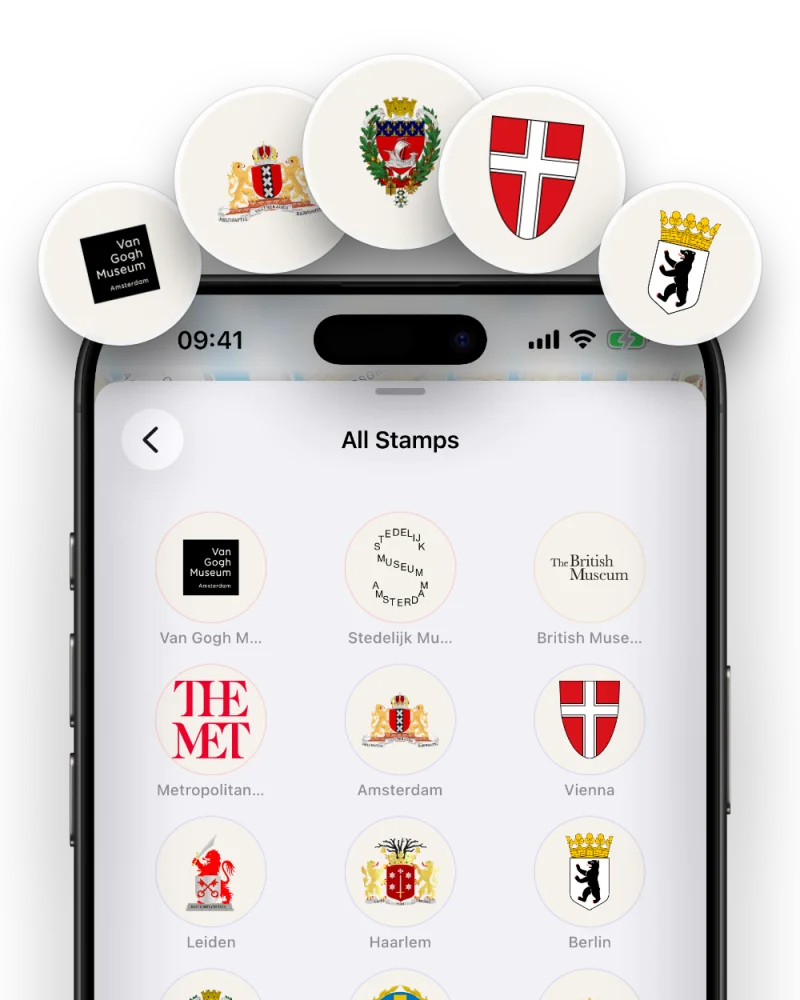
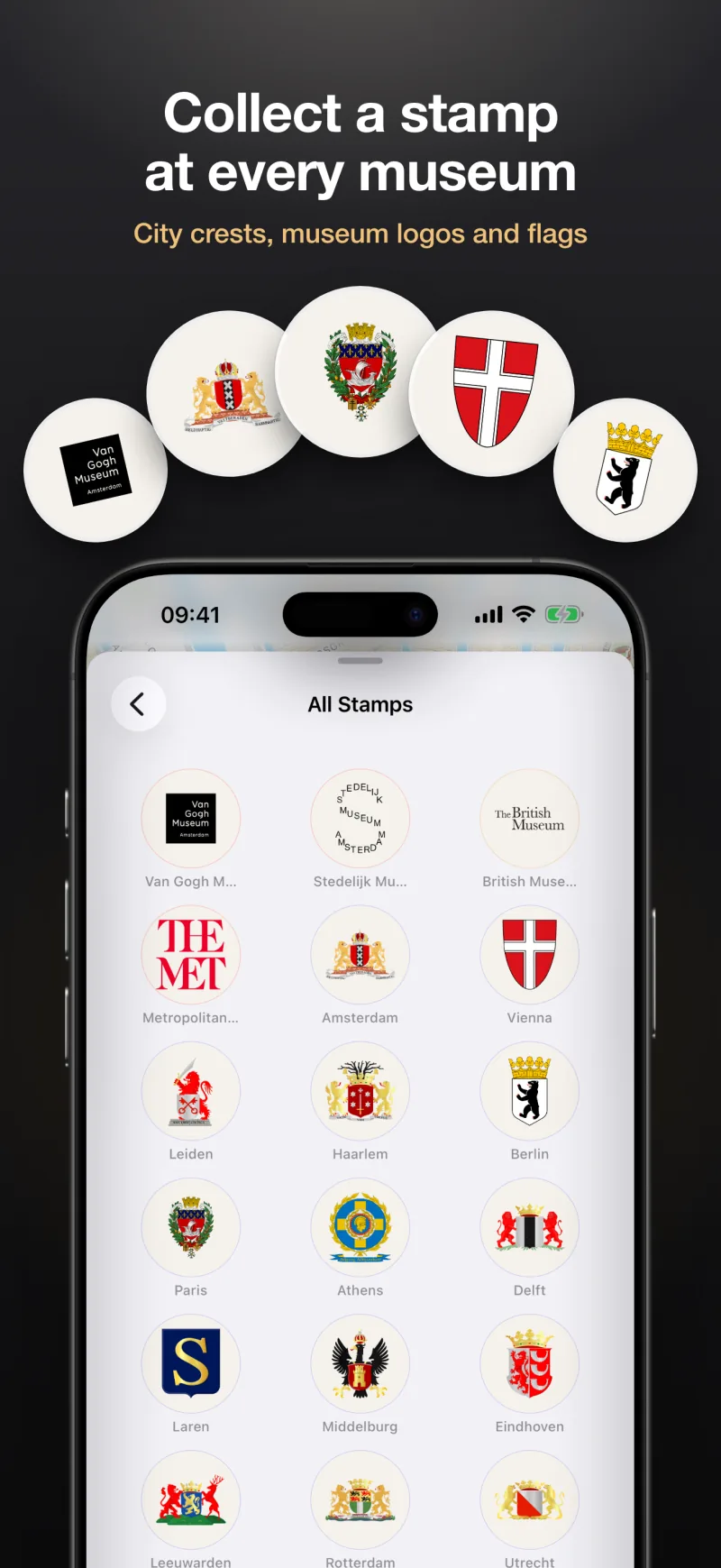
A stamp for every visit
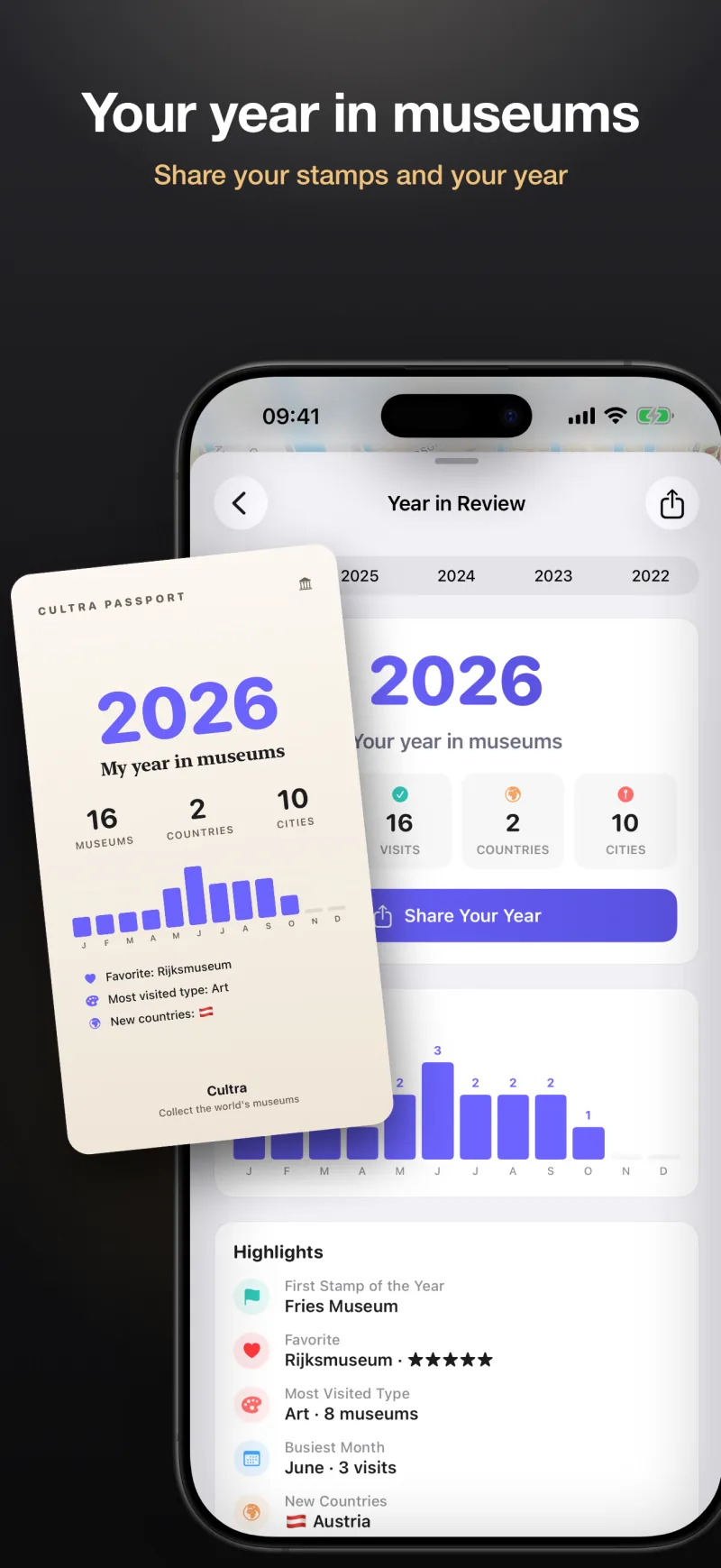
Every museum you visit earns a stamp. Fill a passport with museum logos, city crests and country flags — a keepsake of everywhere you've been. Share a stamp, your passport or your year as an image — you see it before you send it.
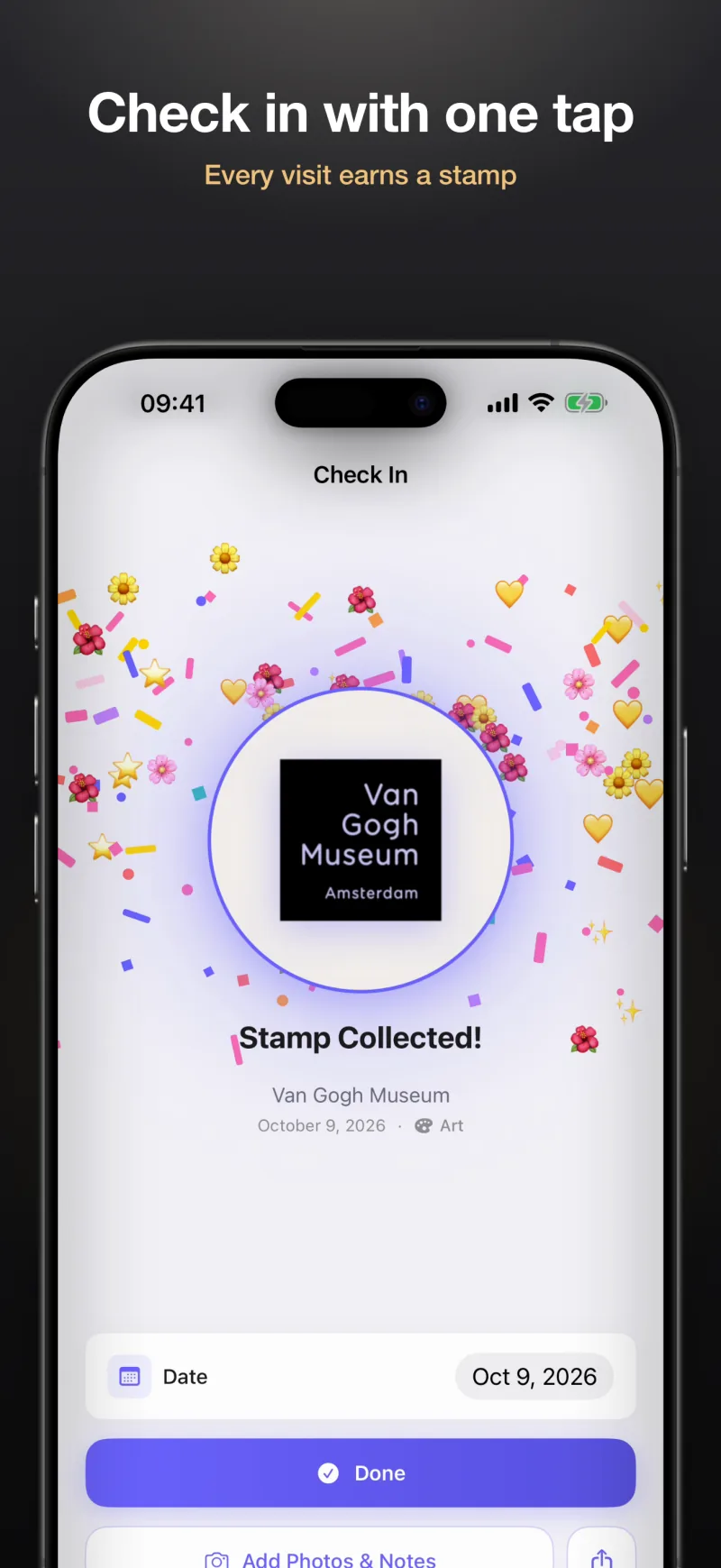
One-tap check-ins
Arrive, tap once, and the stamp lands on your passport in a burst of confetti — with flags flying when it's a new country. Add photos, notes and the date to remember every visit — from world-famous galleries to the museum around the corner. Rate each visit out of five stars.
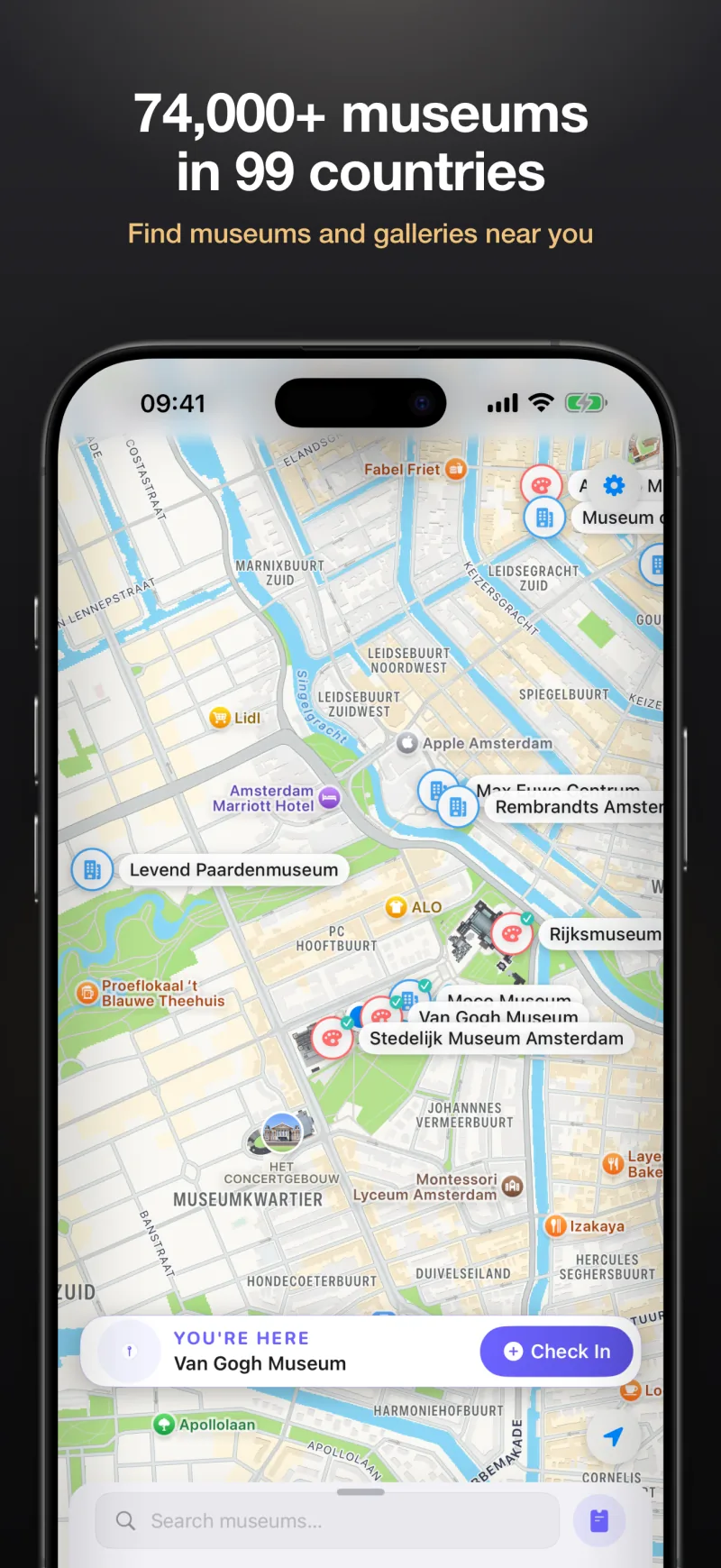
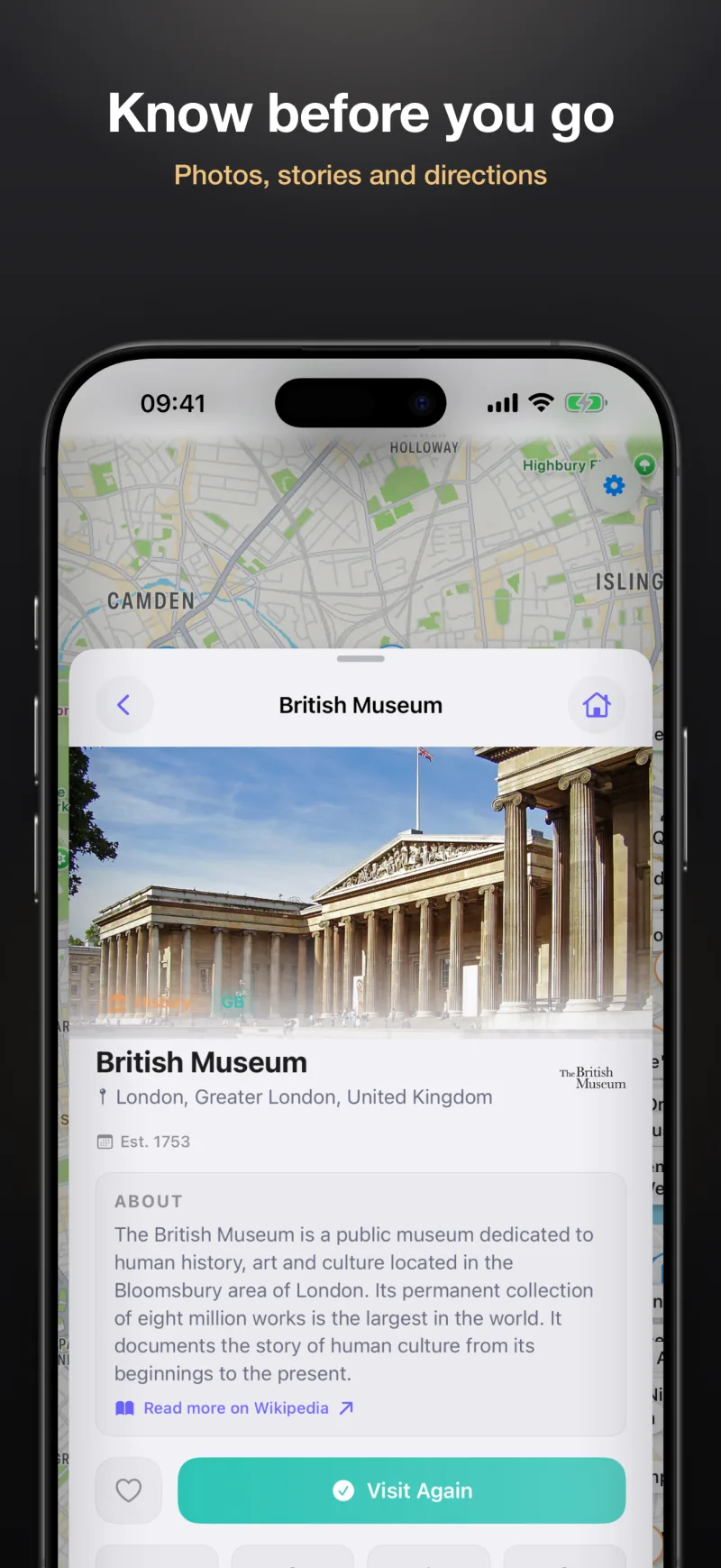
74,000+ museums, one map
Museums and art galleries in 99 countries, with photos, descriptions, details and directions. Save the ones you want to see to your wishlist. Missing a museum? Add it yourself.
Included with the Museumkaart
See which museums are included with the Dutch Museumkaart, and track your progress through the whole collection.
Stats and milestones
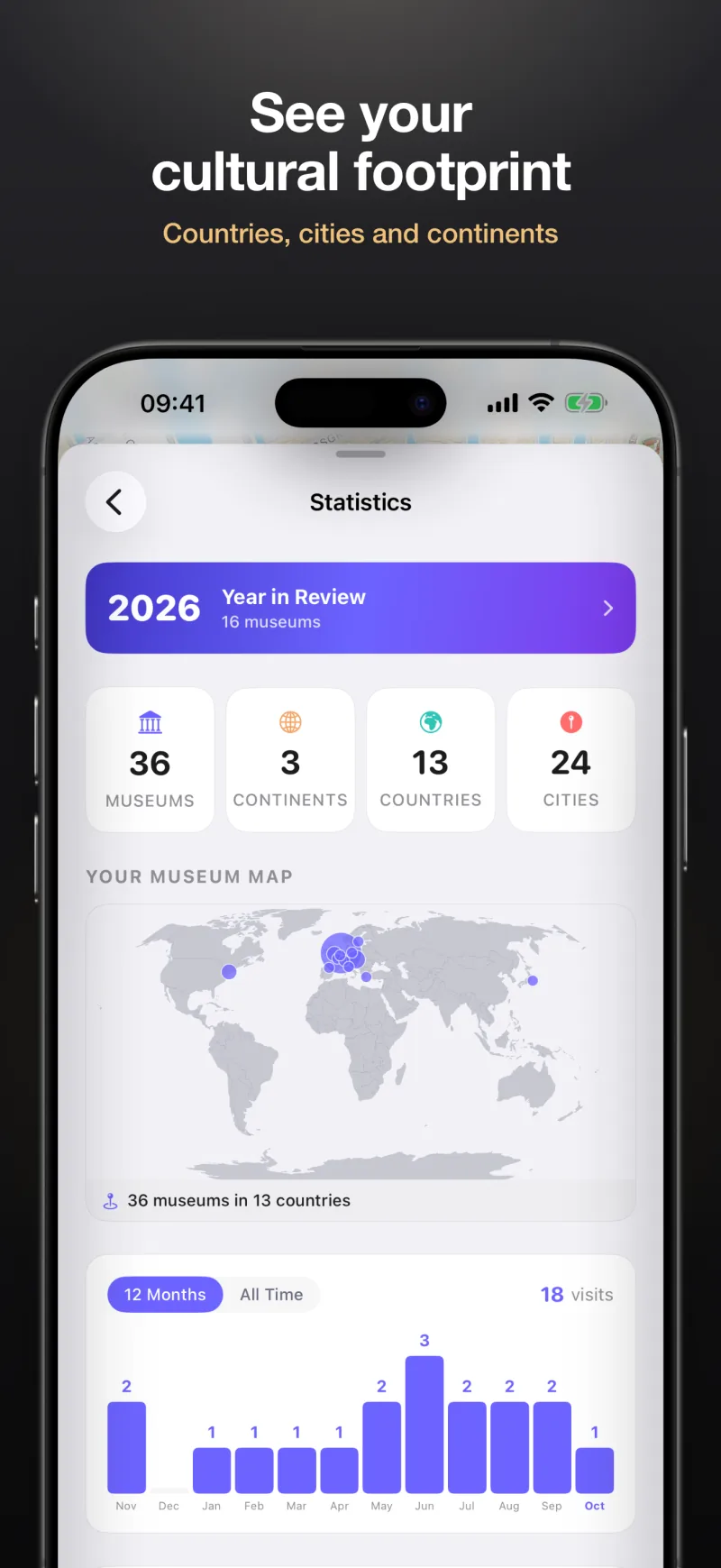
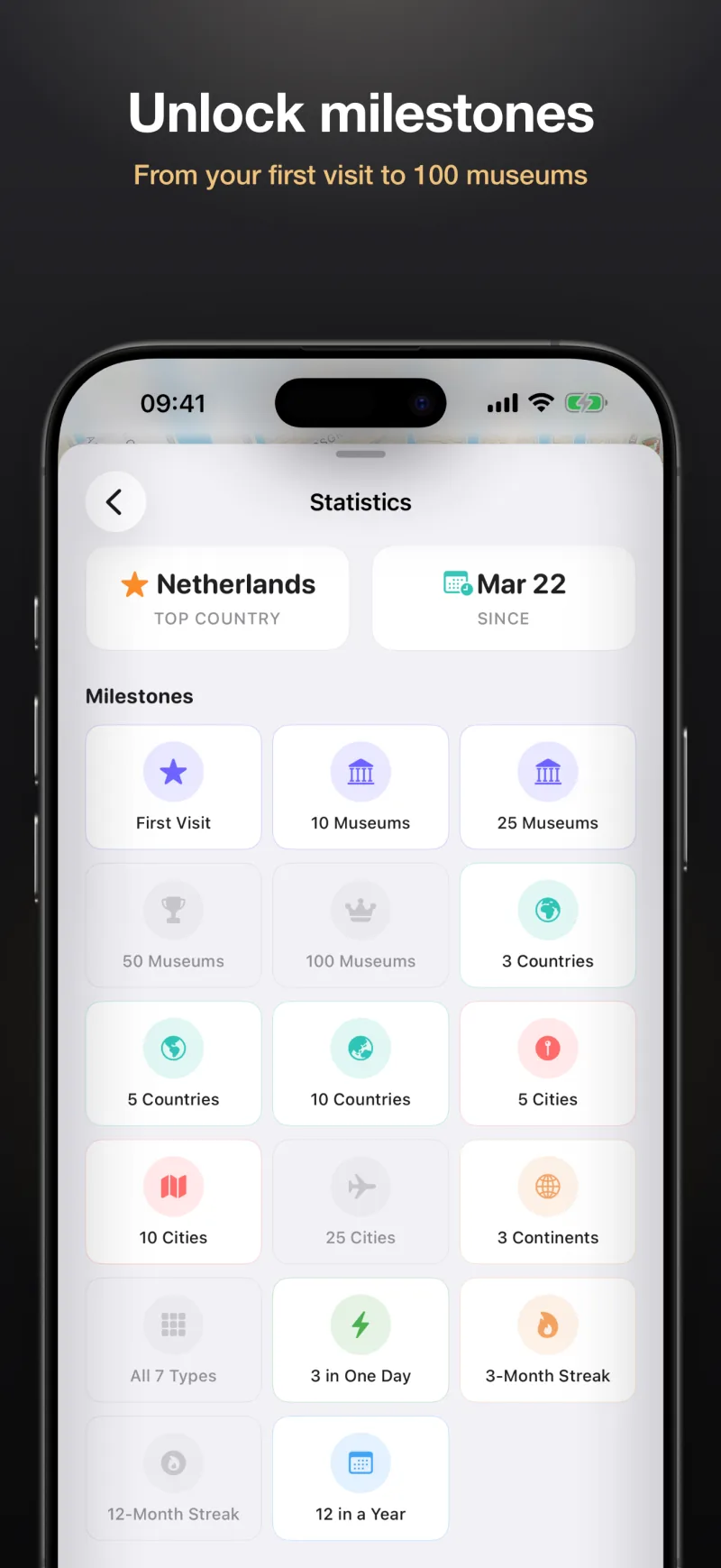
Countries visited, continents explored, museum types collected, a world map of everywhere you've been, and milestones from your first visit to your hundredth. Plus city collections, and a Year in Review — for one year or all of them — to share.
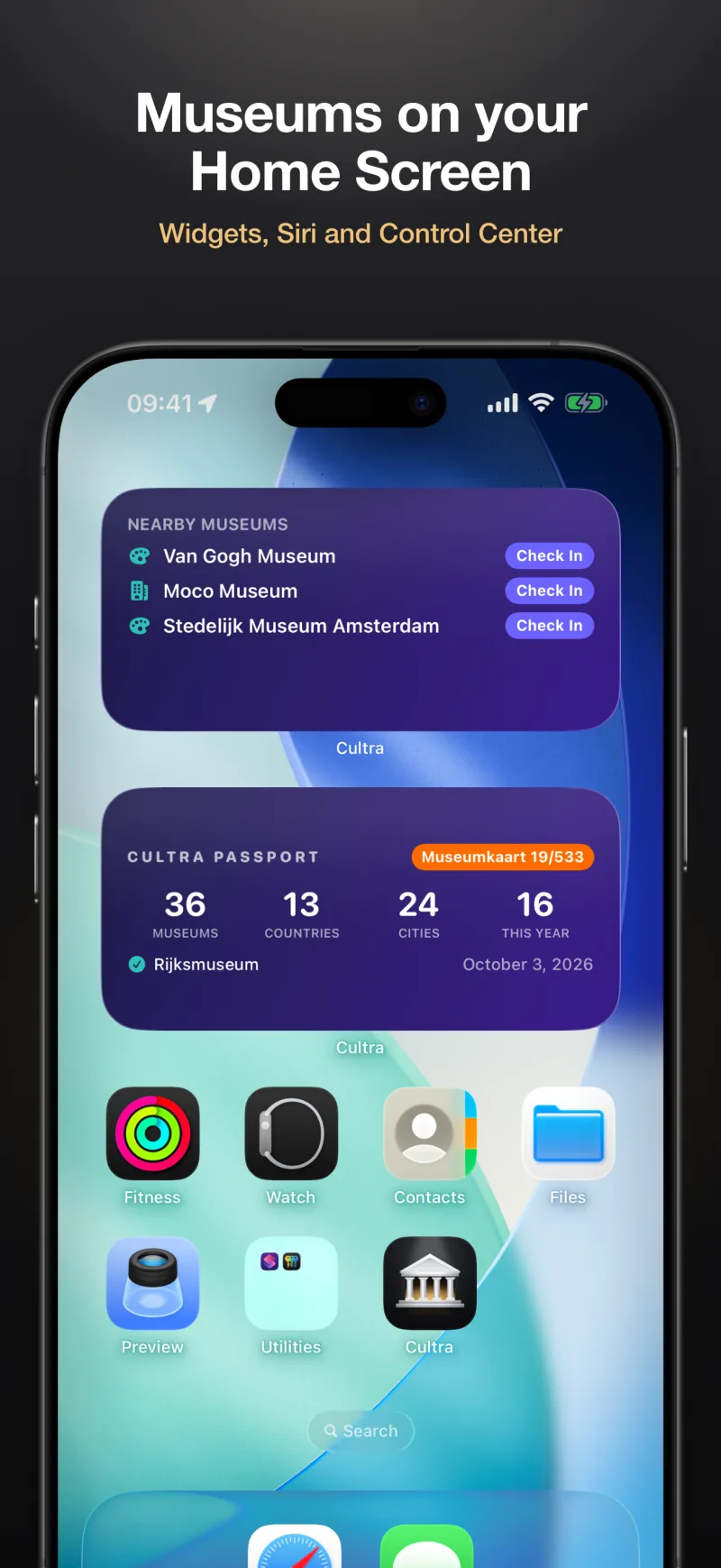
Widgets, Siri and reminders
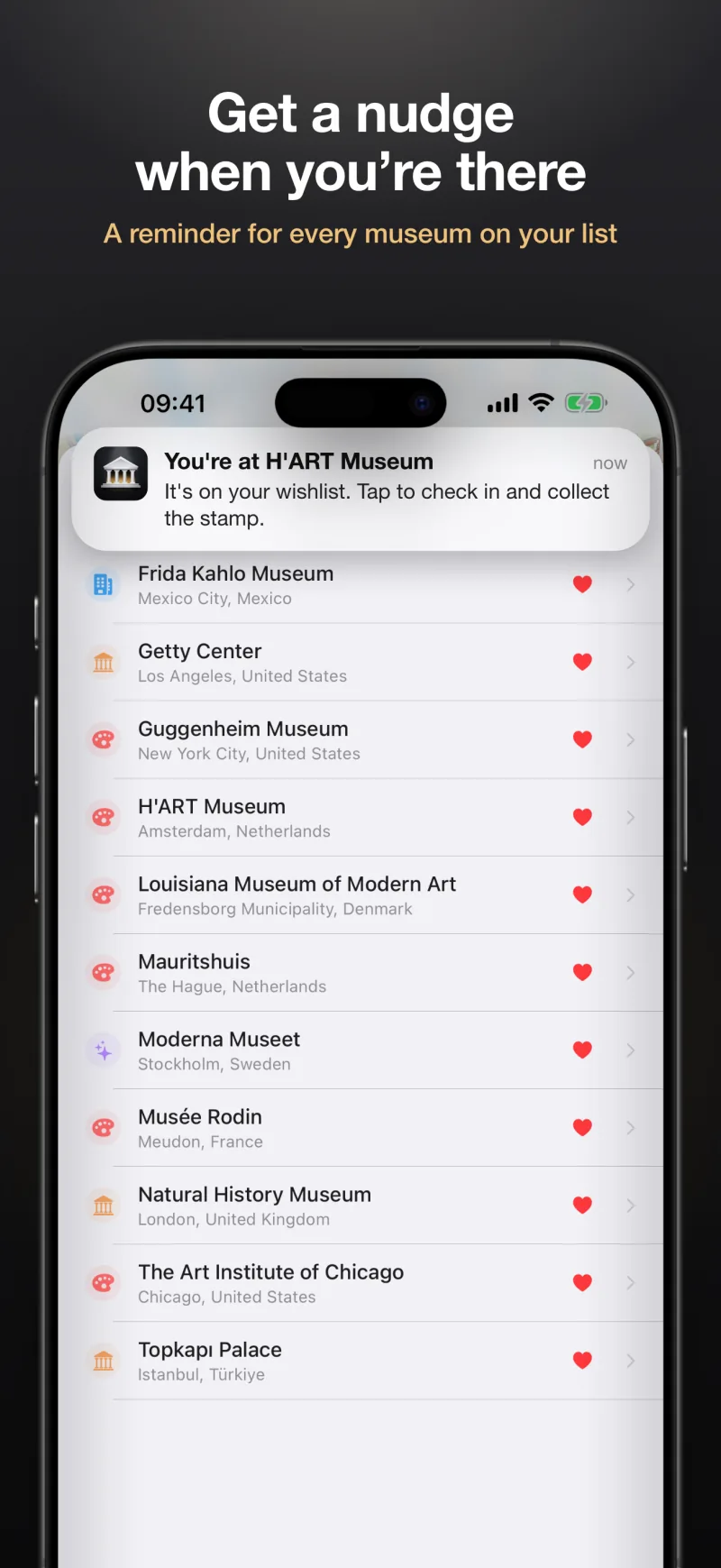
See the nearest museums on your Home Screen or Lock Screen and check in from the widget, from Control Center on iOS 18, or by asking Siri. Turn on arrival reminders and Cultra nudges you when you reach a museum on your wishlist. On Android: two home-screen widgets, a Check In tile in Quick Settings and shortcuts on the app icon.
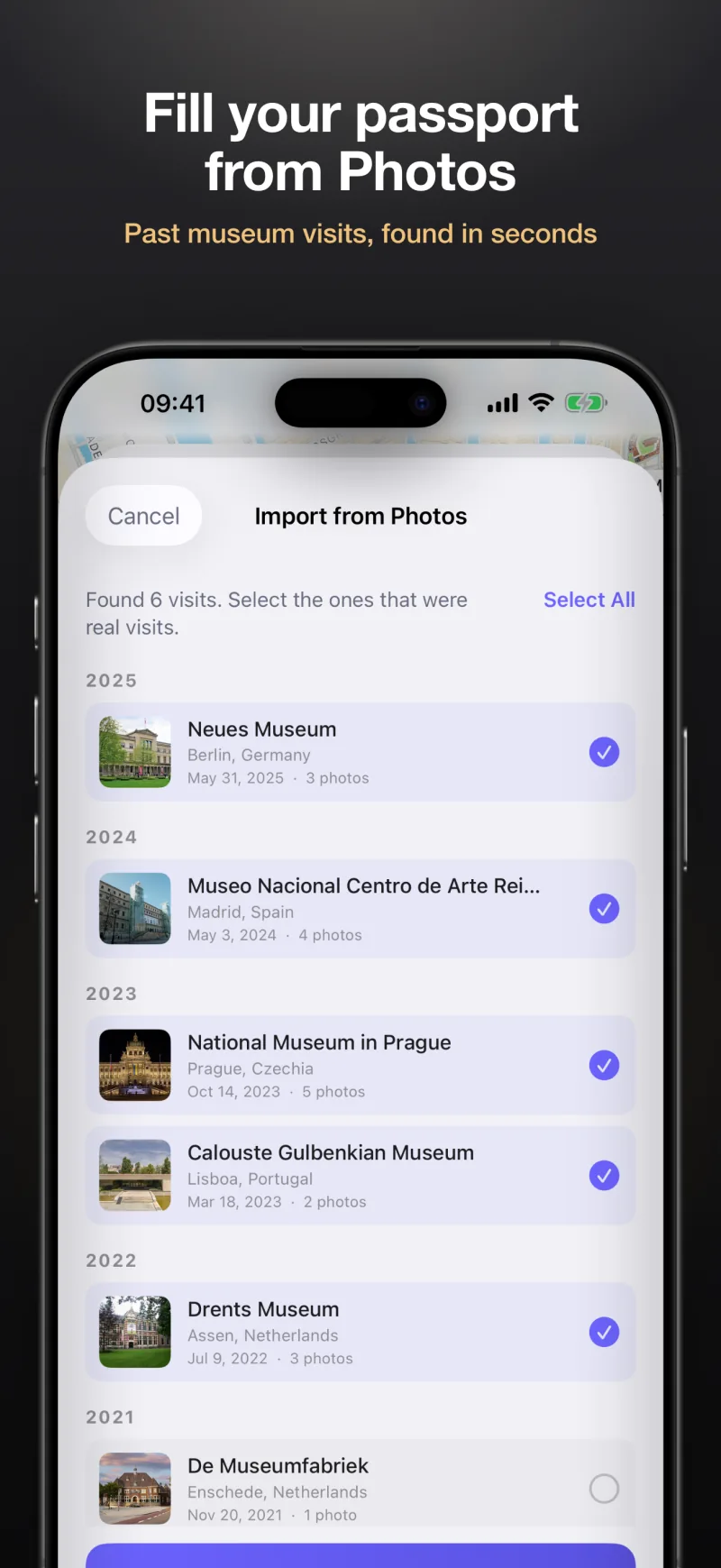
Past visits, found in Photos
Import from Photos looks through your photo library for pictures taken at museums and suggests the visits, dated and ready to add to your passport. It runs entirely on your device; no photo leaves it. On Android it works up to Android 12.
Private, no account
No ads, no account, no tracking. Your visits, photos and notes stay on your device and sync privately through your own iCloud. On Android, if Android's backup is on, a copy of your visits and wishlist goes into your own Google backup.
More about Cultra
Frequently asked questions
Is Cultra free?
Yes, completely, on iPhone, iPad and Android. Cultra is a free download with no in-app purchases, no subscription and no ads. Every feature — the map, check-ins, stamps, statistics, the Museumkaart collection and iCloud sync — is included.
Do I need an account?
No. There is no sign-up and no login. Your visits, photos and notes are stored on your iPhone, and if you turn on iCloud Sync in Settings they sync through your own iCloud account to your other devices. The app has no analytics or tracking. All it sends us are the crash and performance reports iOS prepares, which hold no personal data and can be turned off in Settings. On Android your data stays on your phone; if Android's backup is on, your visits, wishlist and settings go into your own Google backup, and photos move only when you transfer directly to a new phone.
How does checking in work?
When you are within a few hundred metres of a museum, Cultra offers a one-tap Check In. From anywhere else, Add Visit lets you log a visit with a date of your choice, so museums you saw years ago count too. Add photos and a note to any visit.
Can I share my museum passport?
Yes. Share a single stamp, your passport page or your Year in Review — one year or every year so far — as an image sized for stories and messages. Each one is a page of a night-blue passport; the Year in Review shows a world map lit where you've been, with your flags, totals and stamps. Cultra shows you the image first, and nothing is shared until you tap Share.
Which museums are in Cultra?
74,000+ museums and art galleries in 99 countries, from national galleries to local history museums. Each has a description, type and city, about half a photo, with links to its website and Wikipedia article. The data is on your device, so search works offline.
Does Cultra show which museums are included with the Museumkaart?
Yes. More than 500 Dutch museums carry an Included with Museumkaart badge, Search can filter to them, and a collection in your passport tracks your progress by province. It is the only museum pass Cultra has per-museum data for.
Which museums have I visited with my Museumkaart?
Cultra keeps that list for you. Every check-in is a stamp in your passport, and the Museumkaart collection there shows which of the participating museums you have visited, split by province, with a progress ring for the whole collection. Visits from before you had the app can be added by hand with their date, or found in your photo library with Import from Photos.
Which devices does it run on?
iPhone and iPad with iOS 17 or later, with widgets for the Home Screen and Lock Screen (plus a Control Center button on iOS 18). There is no Apple Watch app. Cultra is also on Android, for phones and tablets with Android 8.0 or later: the same map, check-ins, stamps, statistics and Year in Review, two home-screen widgets, a Check In tile in Quick Settings and shortcuts on the app icon. Arrival reminders are iPhone and iPad only, and Import from Photos works up to Android 12. Visits don't sync between an iPhone and an Android phone.
Which languages does Cultra come in?
English, Dutch, German, French, Spanish and Italian. It follows your phone's language by default; you can pick another under Settings → Language in the app. On Android 13 and later you can also pick it in Android's own app-language settings.
Collect the world's museums, one stamp at a time.
Built in the Netherlands. In English, Dutch, German, French, Spanish and Italian. For iPhone, iPad and Android.