Beep Loyalty, gift and membership card wallet
Your loyalty cards and gift cards, in one app. Gift cards are kept like money: the balance, the PIN and a reminder before they expire. At the till, just open a card and scan.

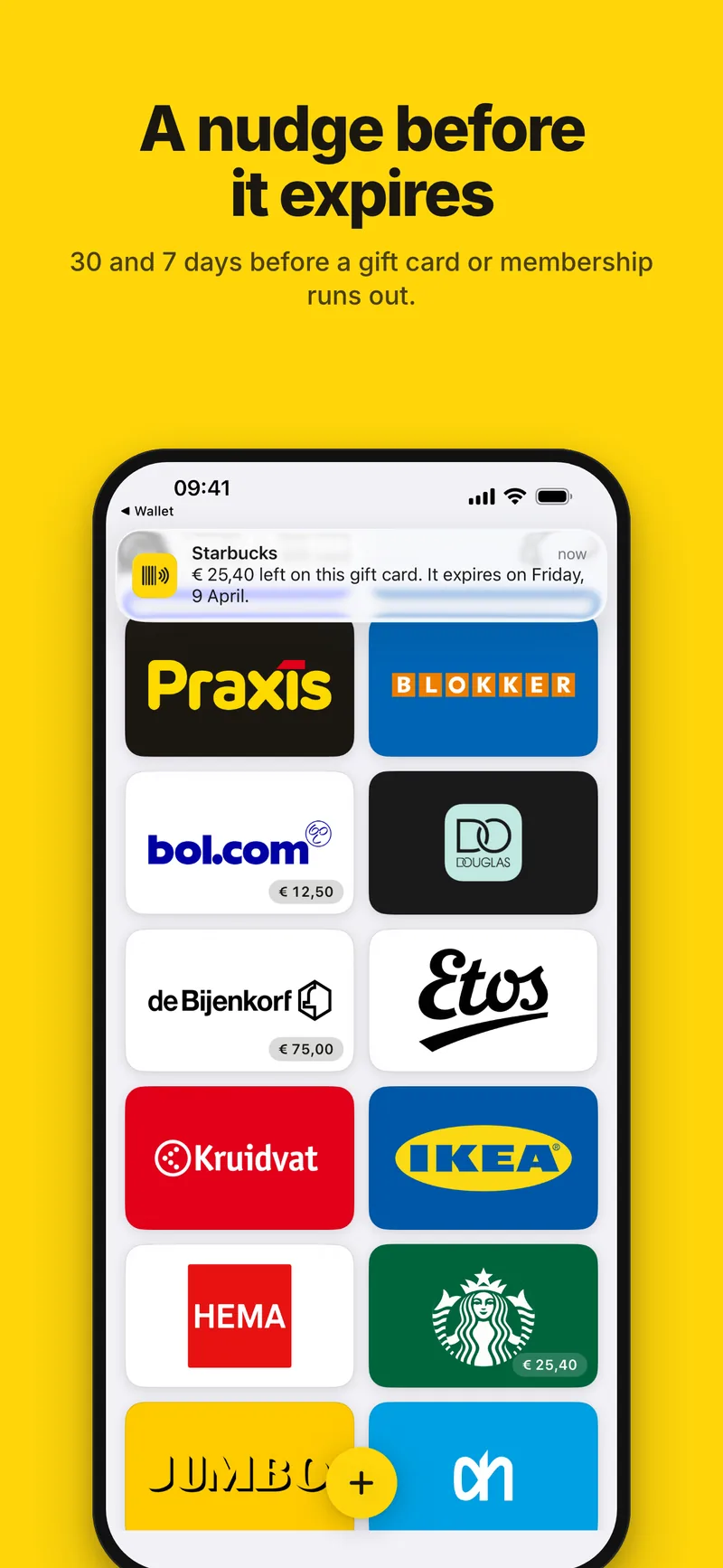
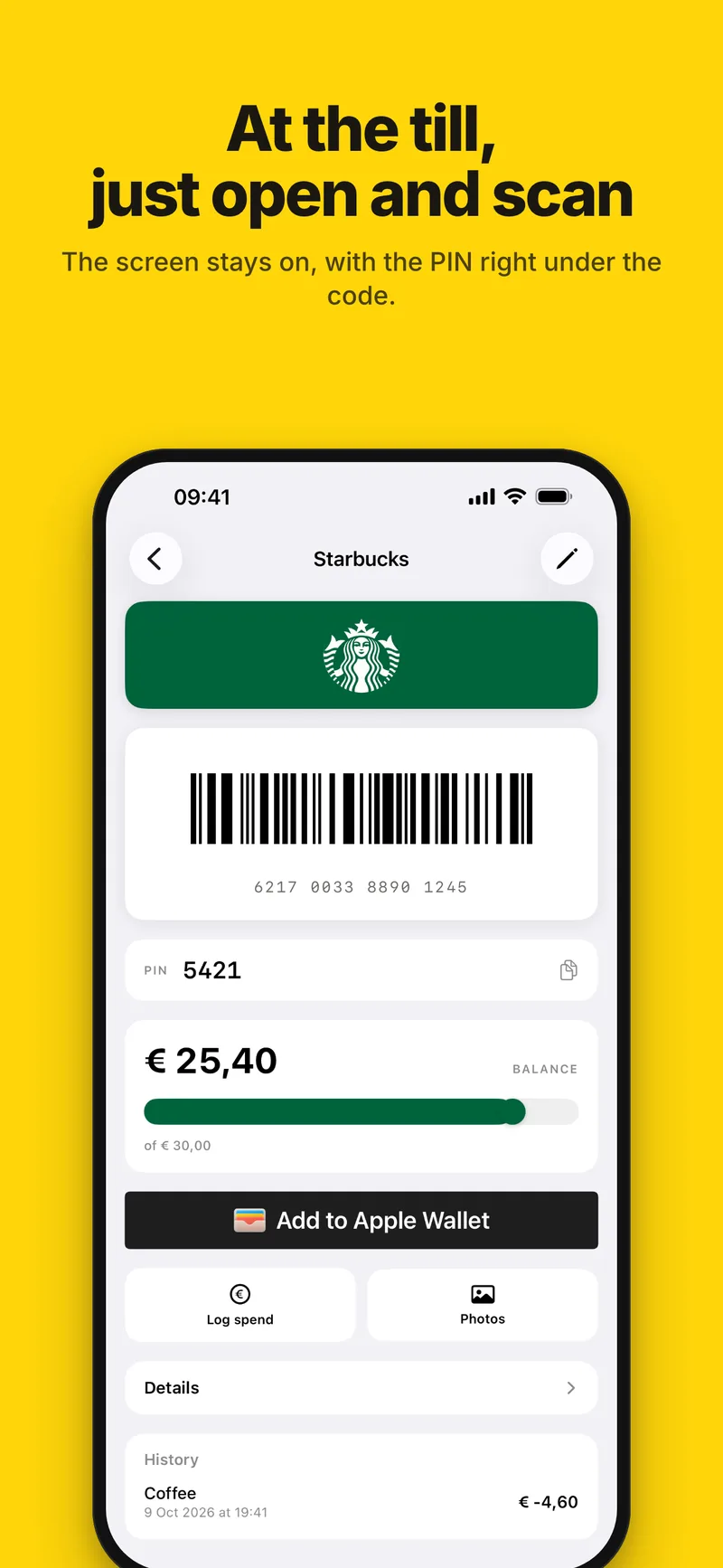
Gift cards, kept like money
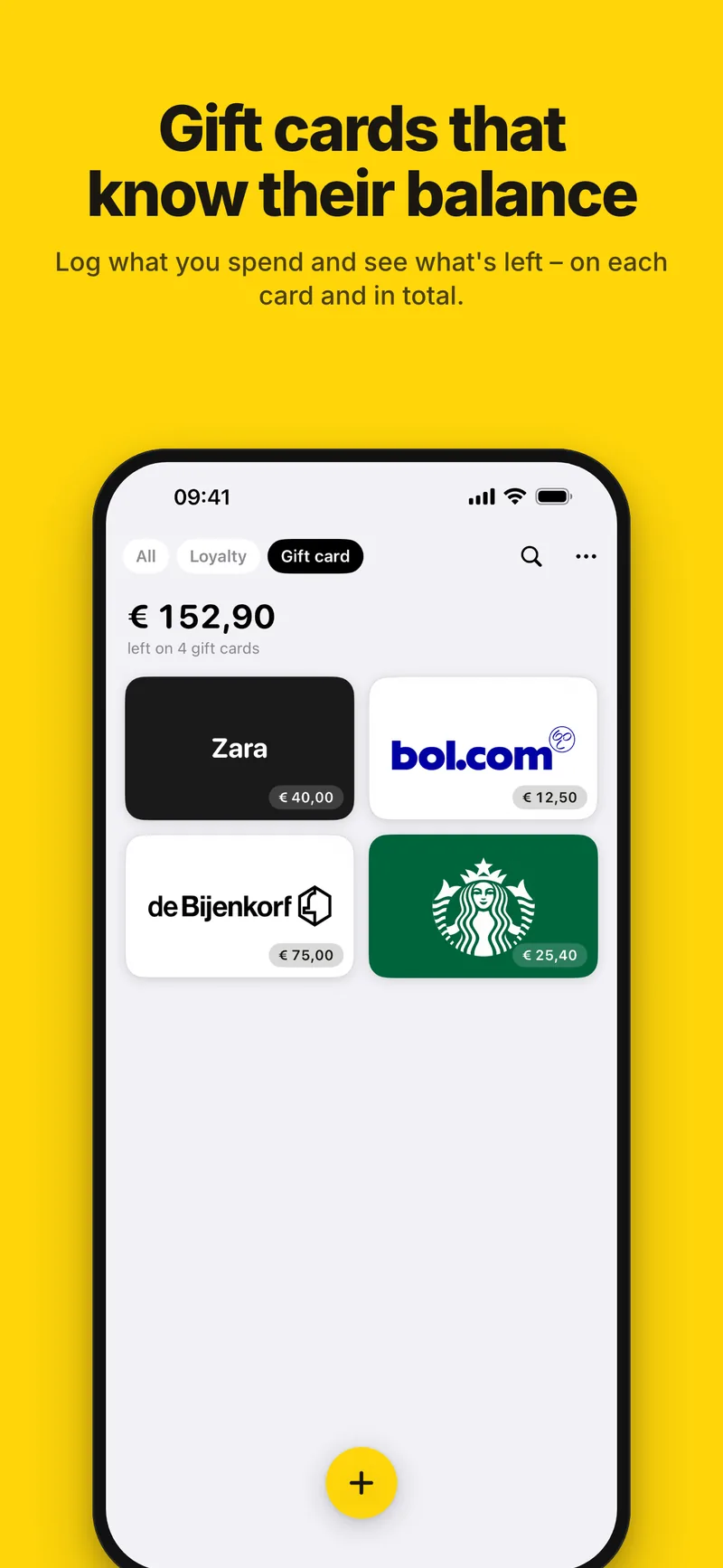
Log what you spend and see what's left, with a history of every entry and the PIN right under the barcode. The Gift card tab adds up what's left on all your gift cards.
A reminder before a card expires
Give a card its expiry date and Beep reminds you 30 and 7 days before — for a gift card, only while there's money left on it. Notifications are only asked for once you save a card with a date.
Apple Wallet
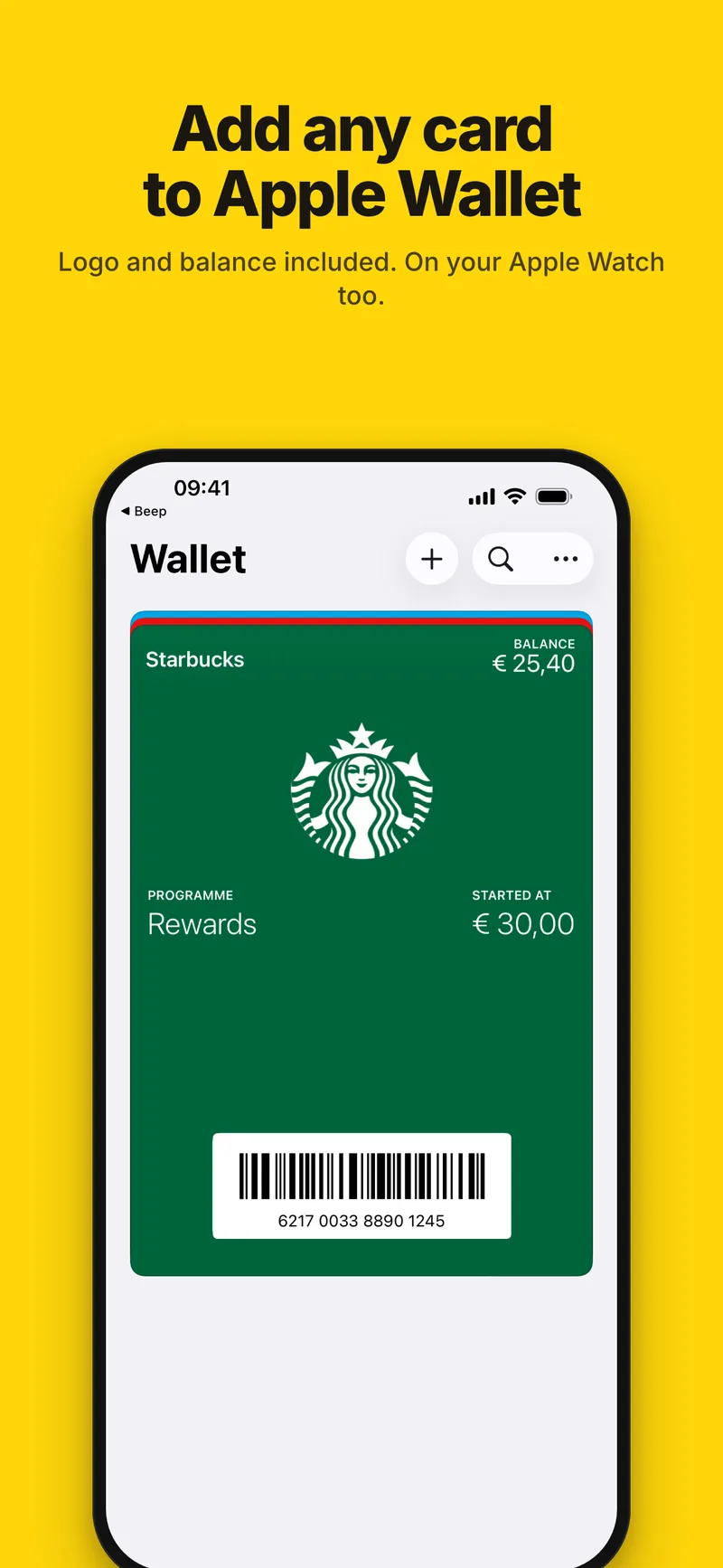
Add any card to Apple Wallet in one tap, logo and balance included. On iOS 27, EAN-13, Code 39 and ITF cards keep their own barcode on the pass, and when a card changes, Beep tells you the pass in Wallet needs updating.
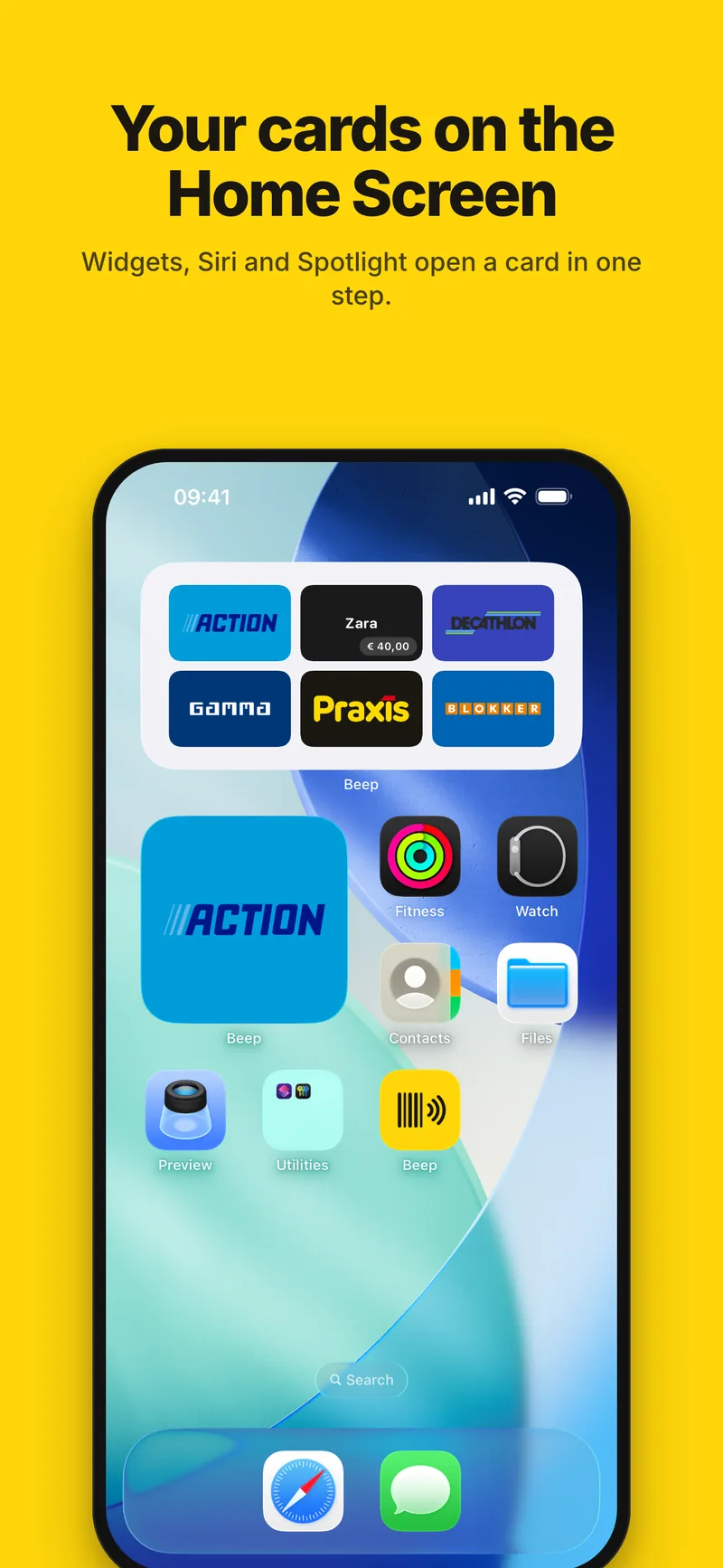
Widgets, Siri and Spotlight
Put one card or your first few on the Home Screen, a card on the Lock Screen, or one in Control Centre. Ask Siri to “Open [card] in Beep”, or find a card in Spotlight.
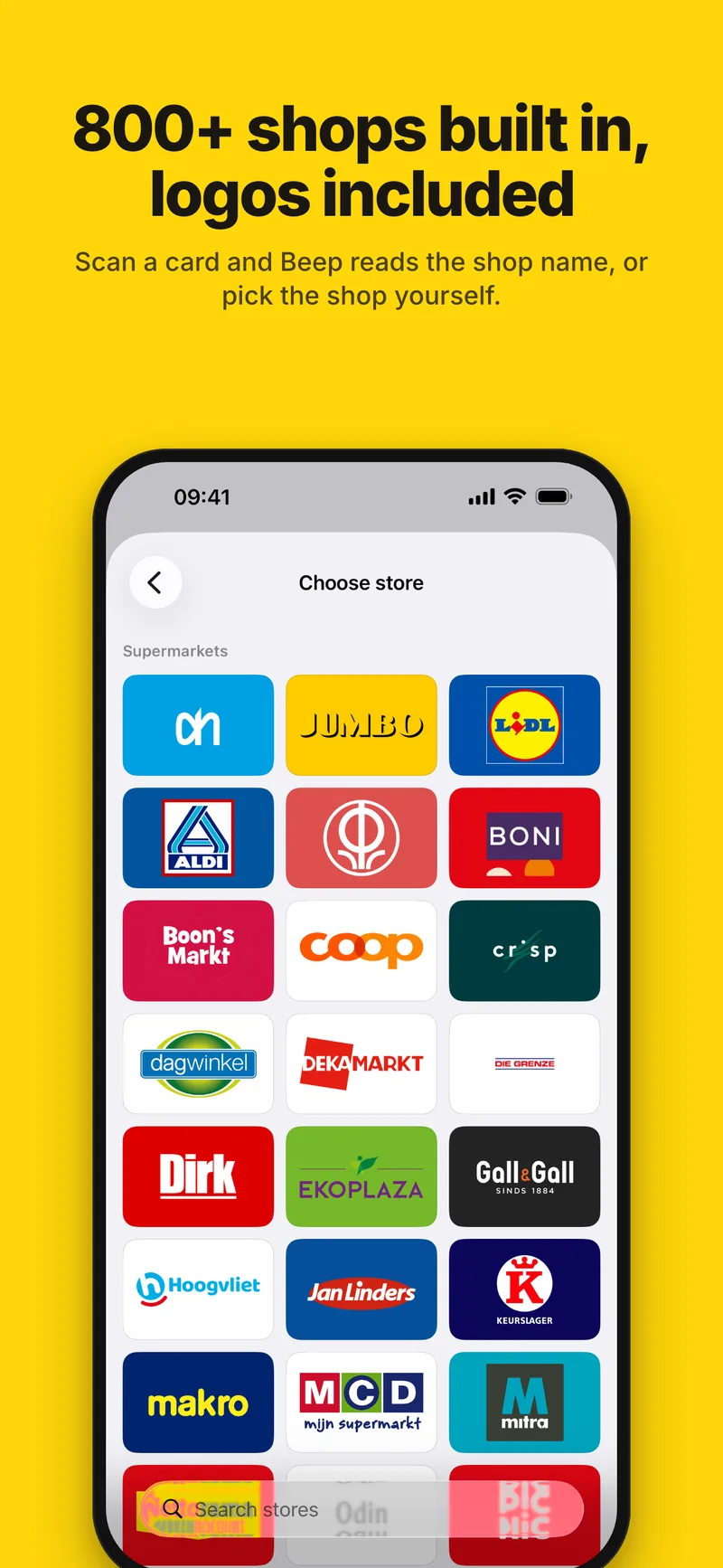
800+ stores, logos included
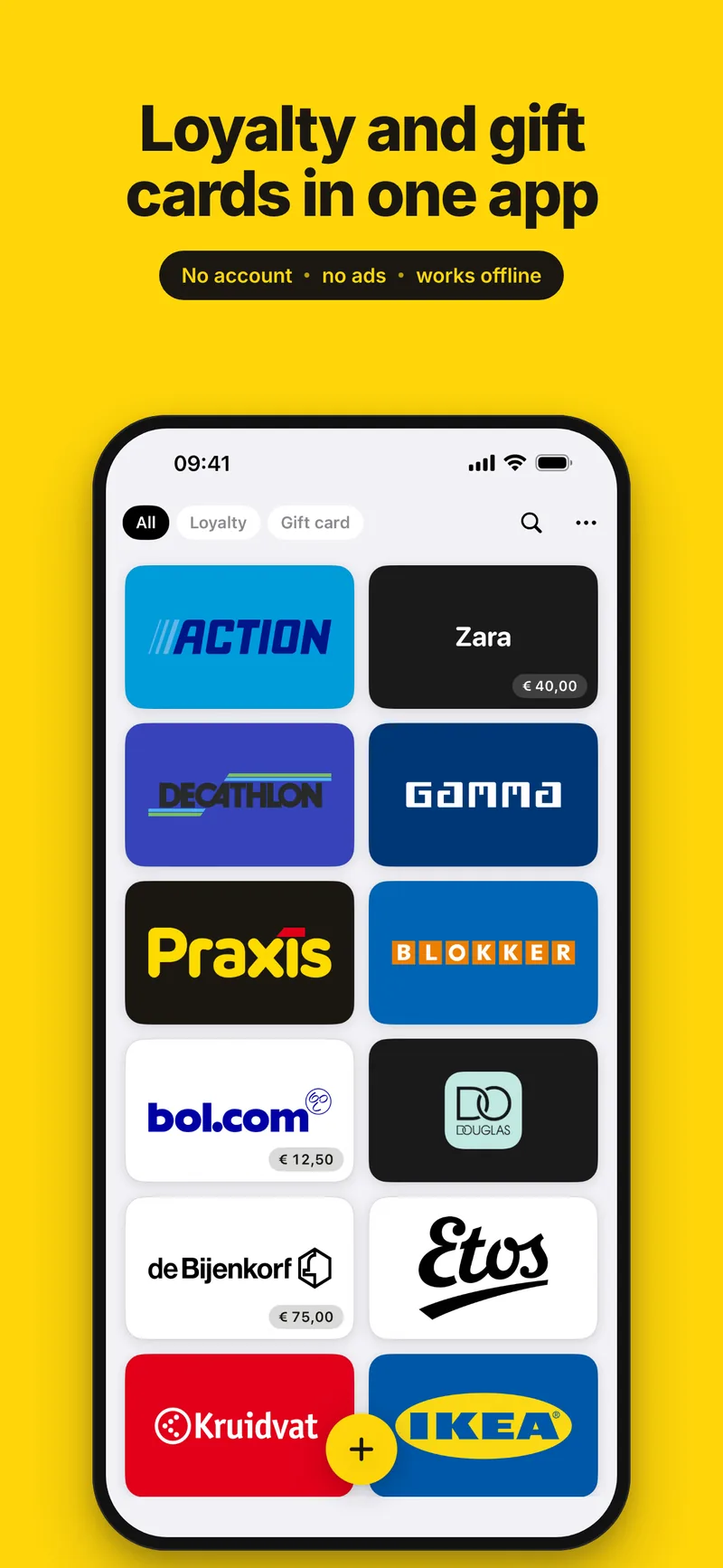
Take one photo of a card: Beep reads the barcode and the name on the card and works out which store it belongs to. The store list and every logo are built into the app, with your own country's stores first when your iPhone is set to the Netherlands, Germany, France or Spain — or add your own by name and colour. Moving from another app? Pick up to 30 screenshots of your cards at once.
Ready at the till
Open a card and the barcode is on screen, full width, with the number underneath. The screen stays awake until you're done — no going dark mid-queue.
Find any card in a second
Search, filter and drag your cards into the order you like. Light or dark, two or three columns.
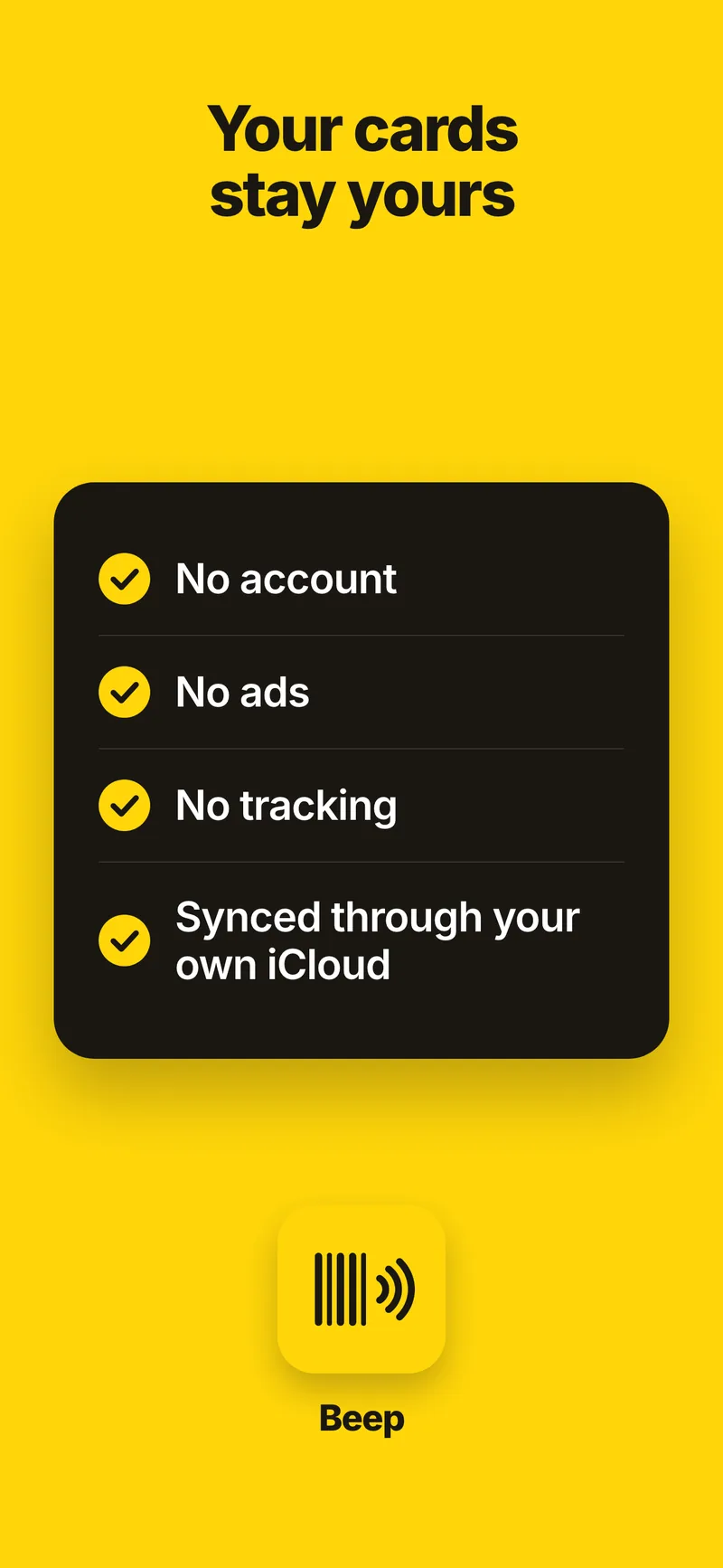
No account, works offline
No sign-up, no tracking, no analytics, no ads. There's no server that holds your cards: they live on your devices and sync through your own iCloud. Works offline, always.
More about Beep
Frequently asked questions
Is Beep free?
Yes. Beep is a free download with no in-app purchases, no subscription and no advertising. Everything is included: scanning, the 800+ store logos, gift card balances and reminders, Apple Wallet, widgets and iCloud sync.
Do I need an account?
No. There is no sign-up and no login. Your cards are stored on your iPhone and, if you're signed in to iCloud, sync through your own iCloud private database. Beep has no server that holds your cards, no analytics and no tracking.
How do I add a loyalty card?
Tap the plus button, point the camera at the card and press the shutter; a yellow outline marks the barcode once it's in view. From that one photo Beep reads the barcode, the store — from its built-in list of 800+ stores, logo included — and a gift card's PIN, then shows you the card as it will be saved, so you can check it before you tap Save. If the camera can't help, tap Enter number, type it and pick the store yourself. Moving from another app? Tap Choose photo and pick up to 30 screenshots of your cards at once; Beep reads them one after another.
Can Beep track gift card balances?
Yes. Enter what the card was worth and log what you spend; the balance and a bar on the card follow, with a history of every entry, and the Gift card tab shows what's left on all your gift cards together. Beep does not contact the retailer, so the balance is what you've logged — the official figure comes from the store's own balance check.
Can Beep remind me before a gift card expires?
Yes. Give a card its expiry date and Beep sends a reminder 30 days and 7 days before; if the date is less than a week away when you set it, you get one on the last day instead. A gift card you've logged down to zero isn't reminded about, and a membership with an end date gets the same two reminders. Beep only asks for notification permission once you save a card with a date, and you can turn reminders off in Settings.
Can I add my cards to Apple Wallet?
Yes, any card, in one tap, with its logo and balance. On iOS 27 a card printed with EAN-13, UPC-A, Code 39 or ITF keeps its own barcode on the pass; on earlier versions, and for EAN-8, Wallet shows it as Code 128 with the same number, and Beep says so on the card. A pass doesn't follow the card by itself: after you log a spend or change the card, Beep tells you the pass in Wallet is out of date, and adding it again replaces it.
Does it work offline?
Yes, always. The store list, the logos and your cards are on the phone, and nothing is fetched when you open a card. Sync with your other devices runs through iCloud whenever there is a connection.
Which devices and languages does Beep support?
Beep runs on iPhone with iOS 17 or later, with widgets for the Home Screen and the Lock Screen; the Control Centre control and Spotlight search need iOS 18. There is no iPad app. Cards you add to Apple Wallet also show up in Wallet on a paired Apple Watch. The app is in English, Dutch, German, French and Spanish — pick one under Settings → Language, or follow your iPhone's language.
Every card you carry. One beep at the till.
Built in the Netherlands. In English, Dutch, German, French and Spanish.