Tinge Mood tracker & diary without streaks or scores
A mood tracker and diary, in colour. Tap a feeling — your day draws itself as a river.

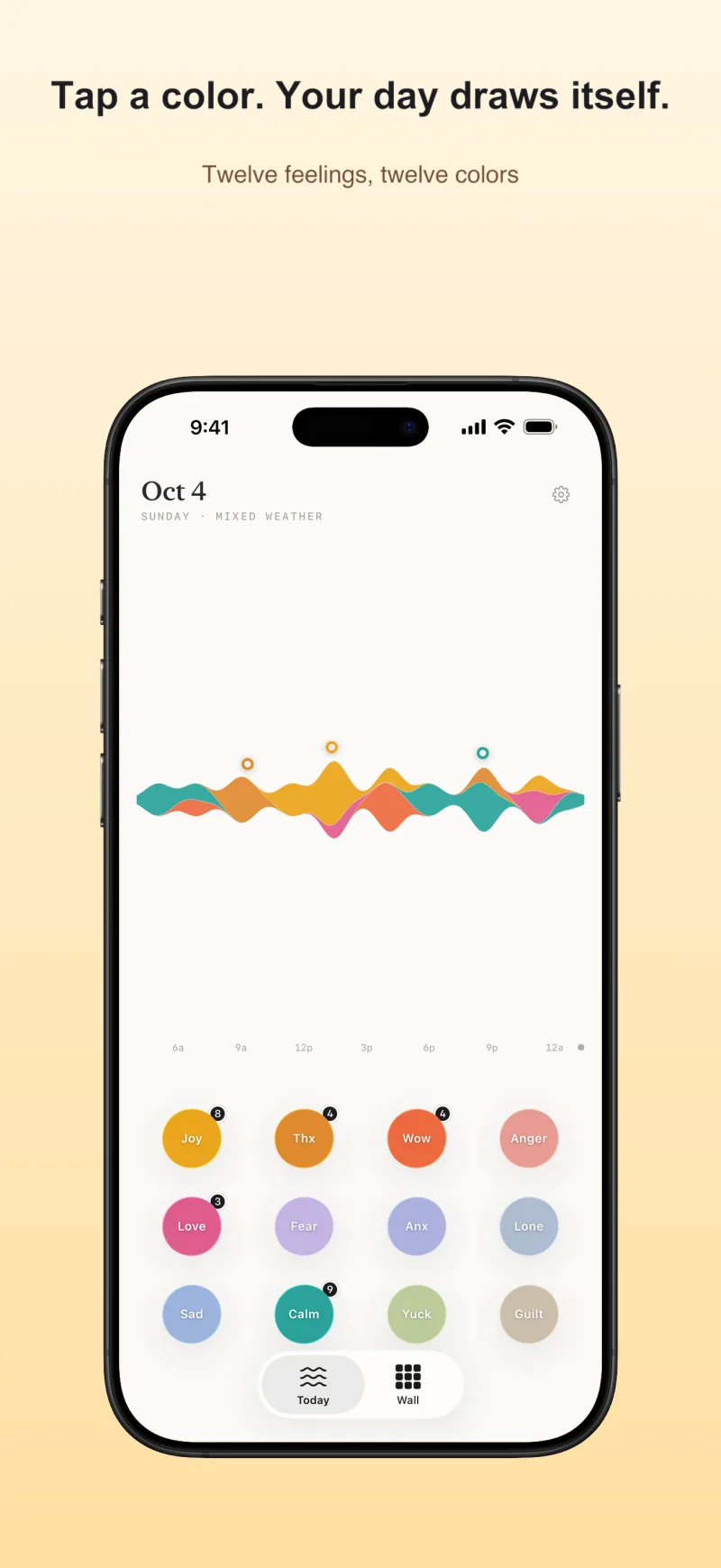
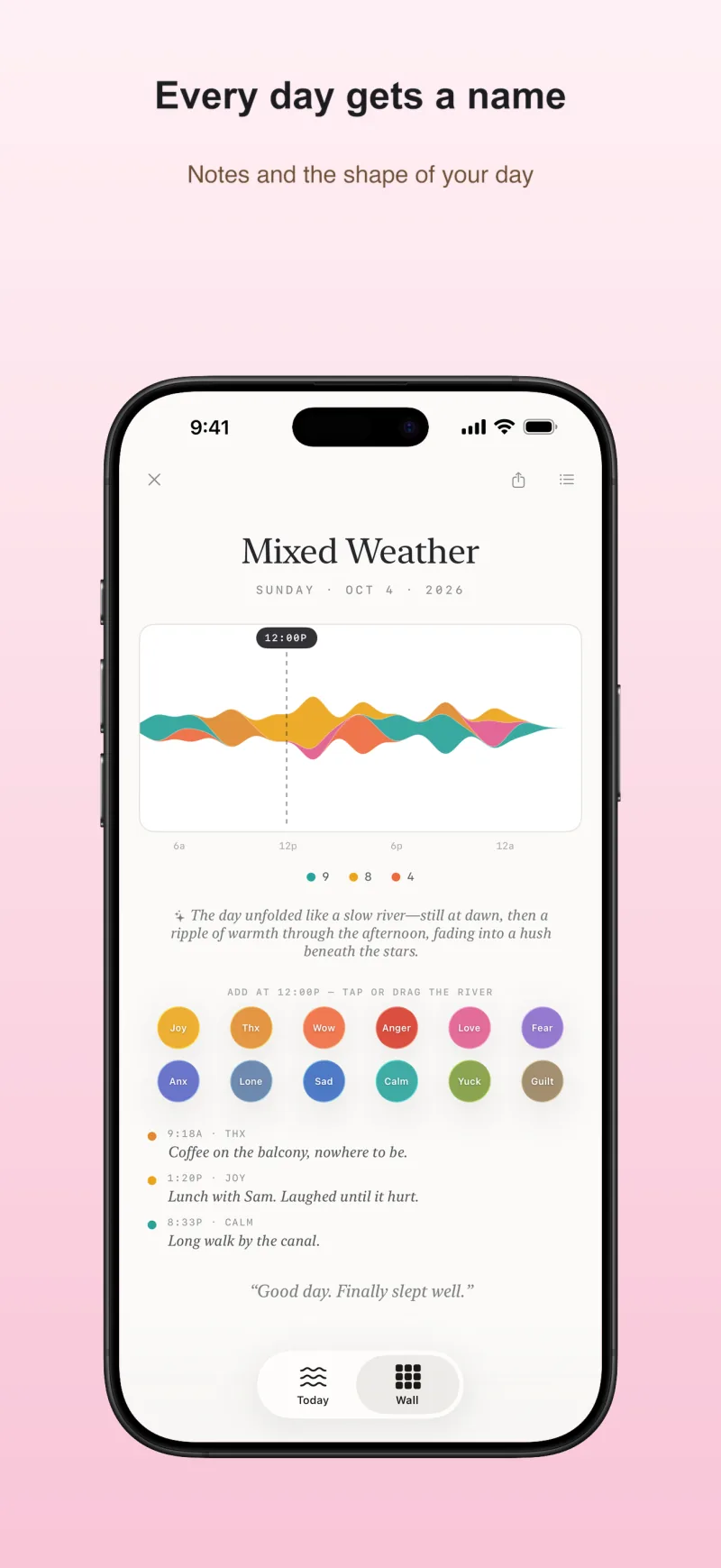
Twelve feelings, one river
Every tap becomes a drop in today's river — joy pools gold, anxiety runs indigo, calm settles teal. Tap again and again when the feeling is big; by evening, your day reads like weather.
The Wall and the month
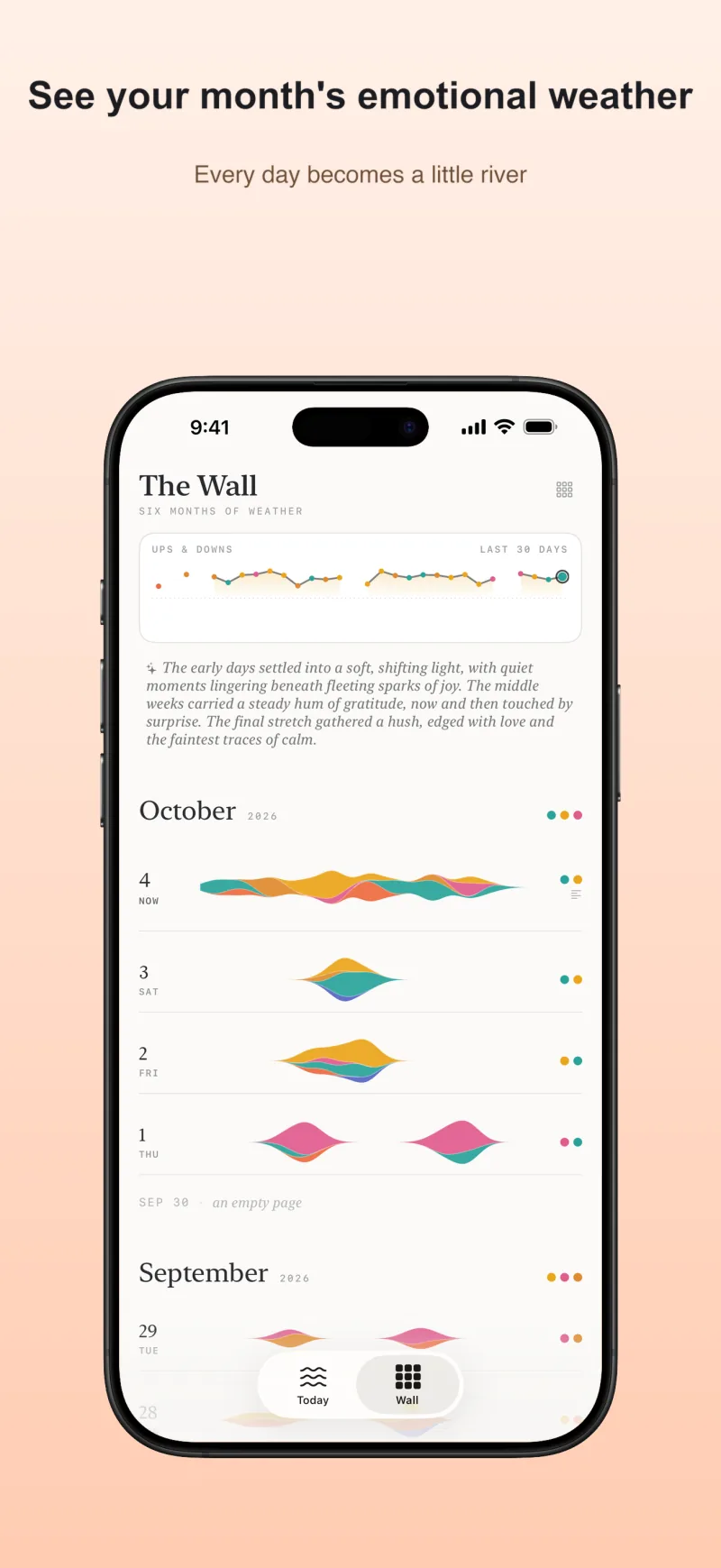
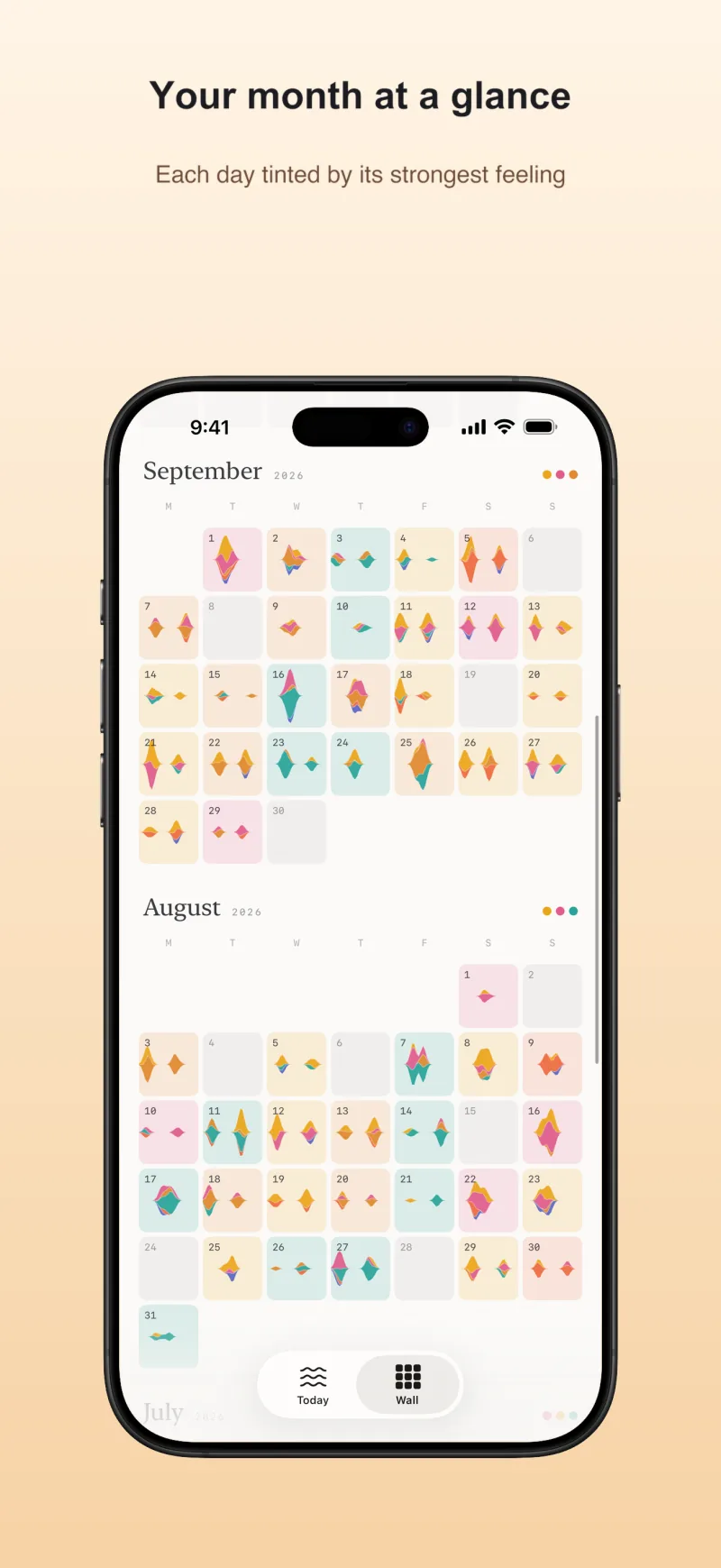
Days stack into a wall of miniature rivers with a 30-day tide of your ups and downs. Pinch to zoom out to a month grid tinted by each day's strongest feeling. Every day gets a name — Still Water, Spiral, Honeyed.
Log from anywhere
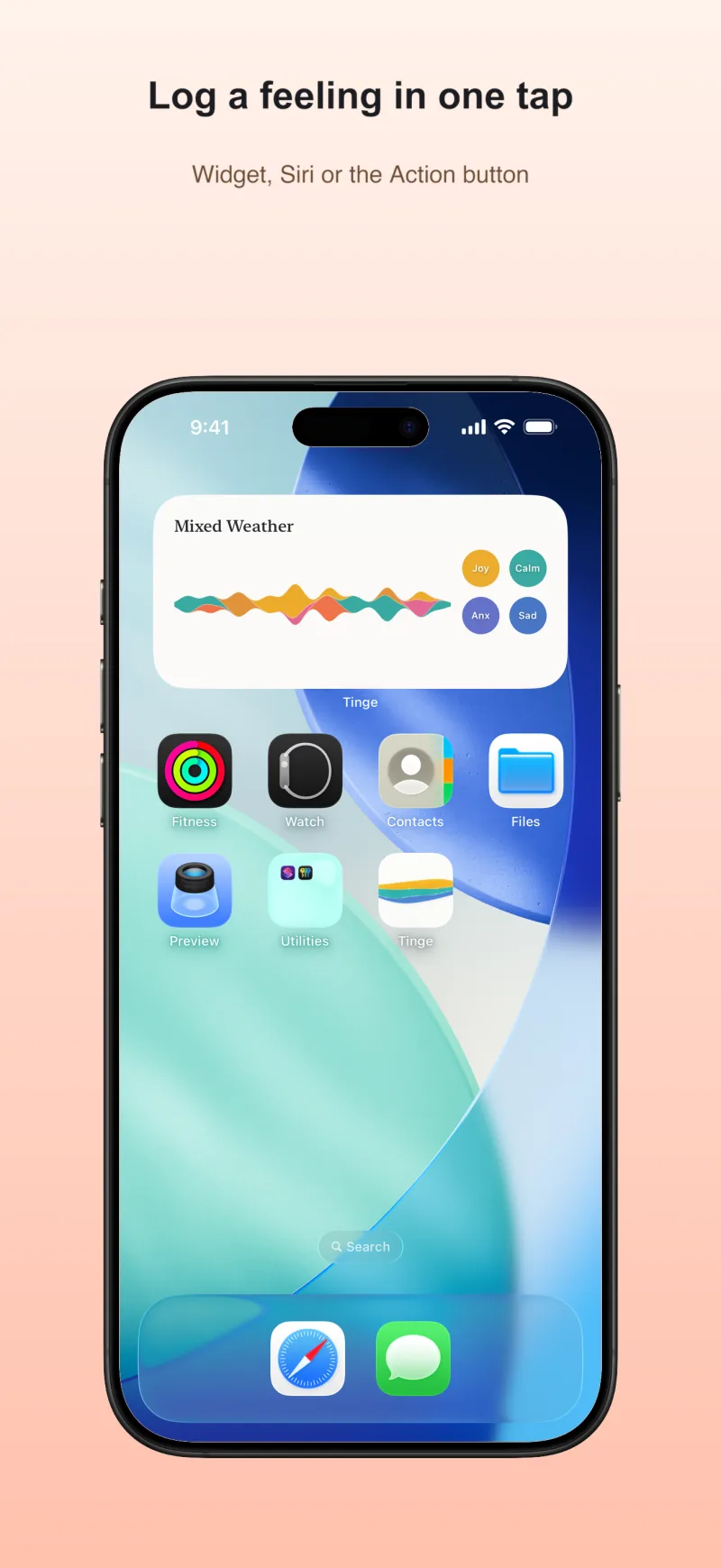
The Home Screen widget, Siri, the Action button, or a long-press on the daily reminder — a feeling lands in two seconds, without opening the app.
Works with Apple Health
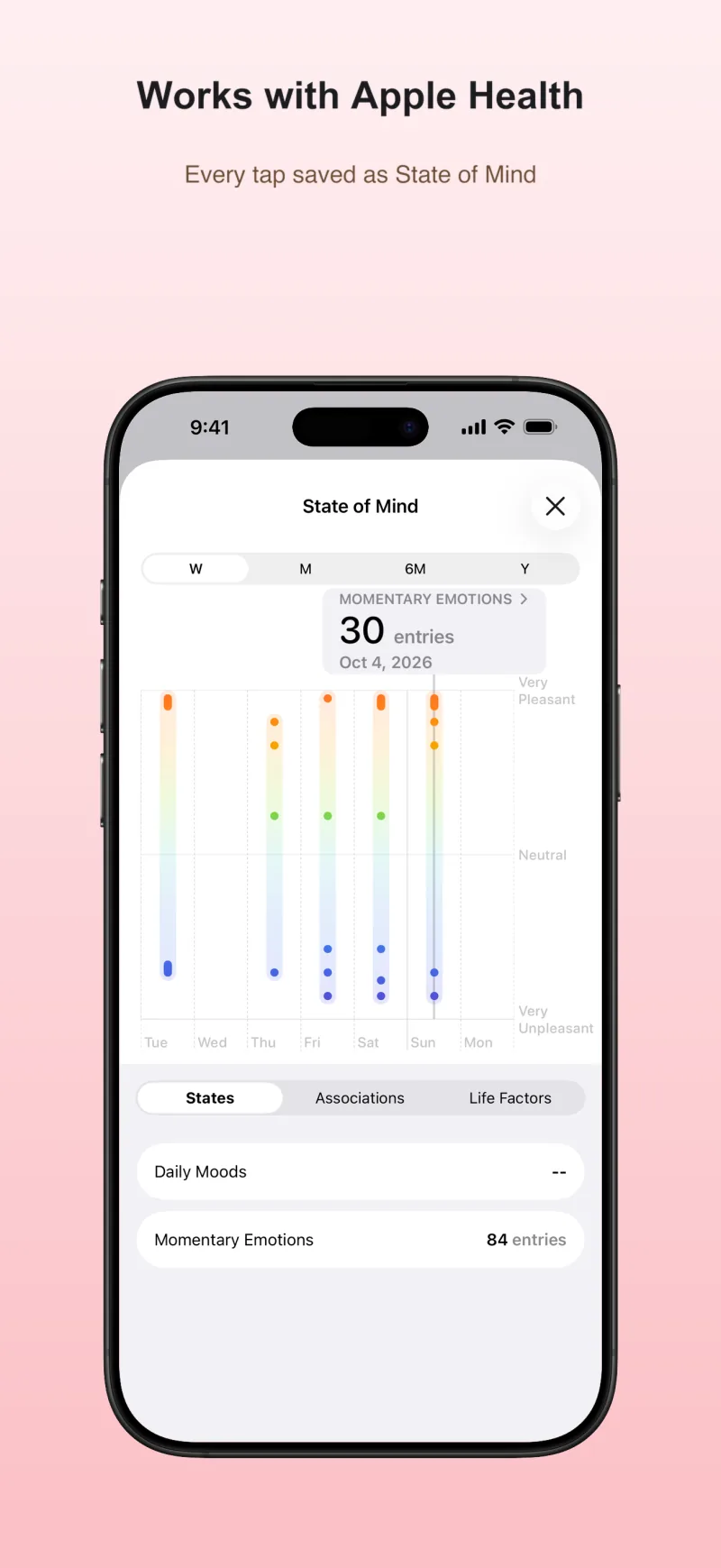
Optionally save every tap to Apple Health as a State of Mind entry, write-only, so your feelings sit next to your sleep and activity.
Written on your iPhone
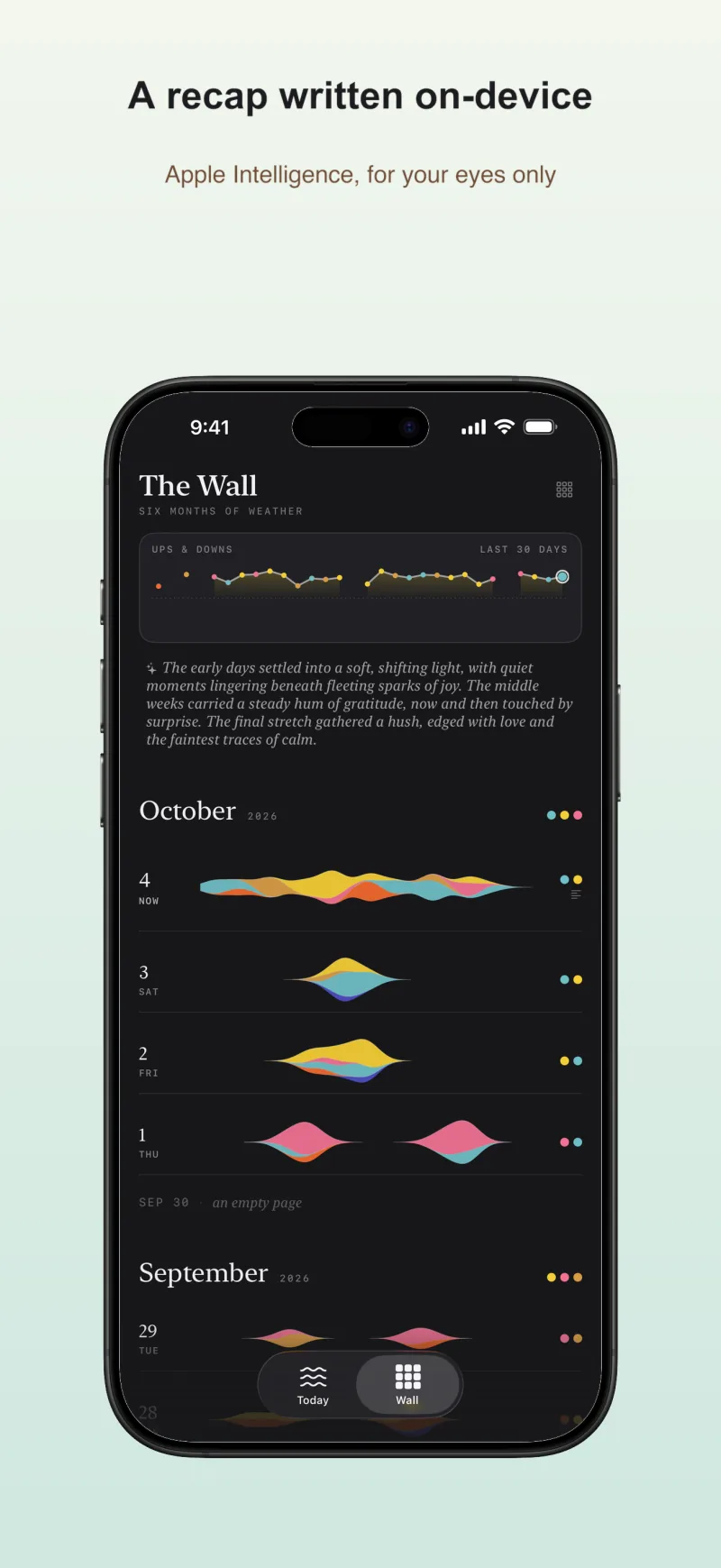
A quiet one-line summary of each day, and a monthly recap, written entirely on-device by Apple Intelligence. No cloud AI: nothing is sent anywhere.
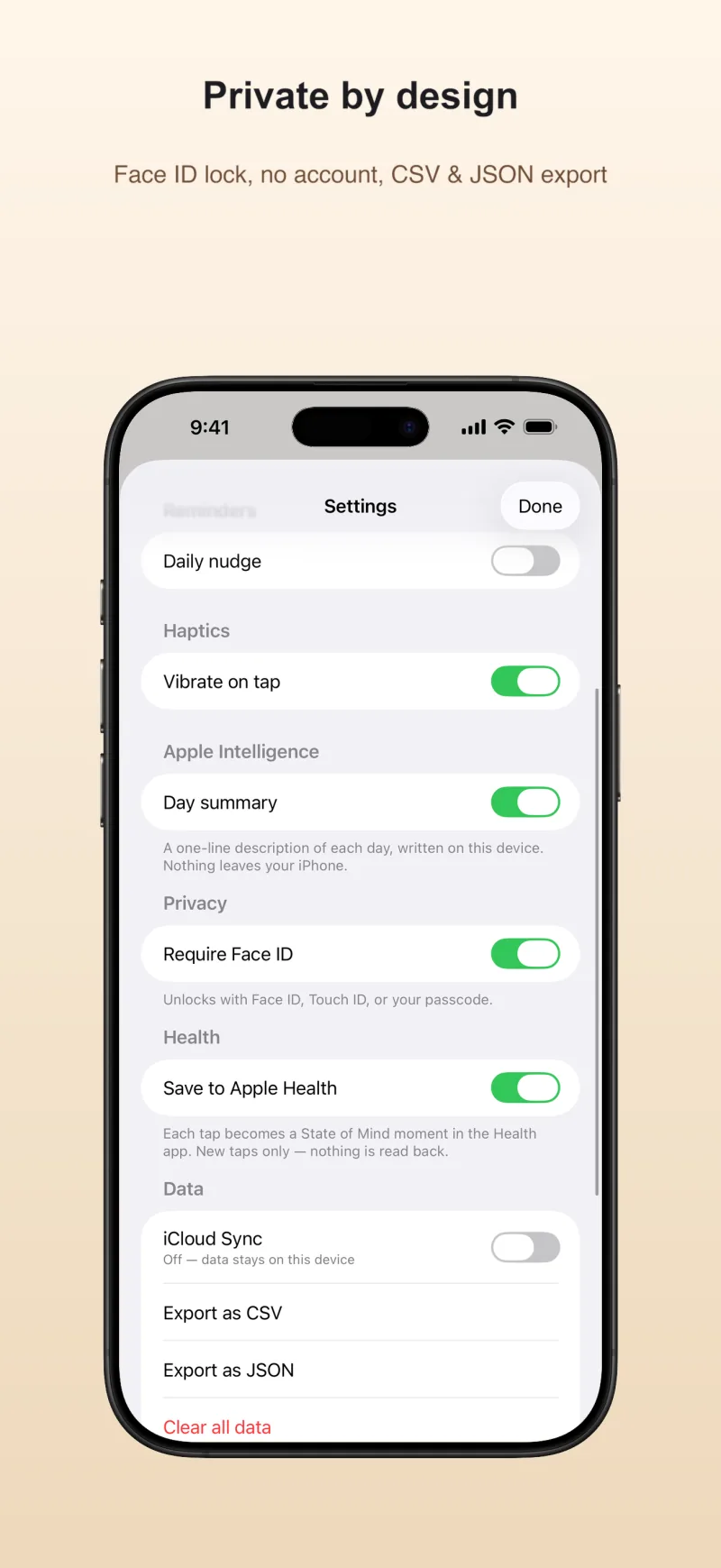
Private by design
No account, no ads, no analytics, no servers. Local-first with your own iCloud, an optional Face ID lock, and full CSV and JSON export.
More about Tinge
Frequently asked questions
Is Tinge free?
Yes. Tinge is a free download with no subscription, no in-app purchases and no ads. Every feature — the river, the Wall, the widget, Siri logging, Apple Health sync, export and the on-device AI recaps — is included. There is nothing to unlock.
Do I need an account, and where is my diary stored?
No account, no sign-up. Your taps, notes, photos and day names are stored in a local database on your iPhone or iPad. If you are signed in to iCloud, Tinge mirrors them to your own private iCloud database so your other devices can read them; you can turn that off under Settings → Data. There is no Tinge server, and we never see your entries.
Which devices does Tinge work on?
iPhone and iPad running iOS 26 or later. It comes with a Home Screen widget in two sizes that shows today's river and logs four feelings with one tap, and it works with Siri, Shortcuts and the Action button. There is no Apple Watch app and no Lock Screen widget.
Does Tinge sync with Apple Health?
Optionally. Turn on Save to Apple Health under Settings → Health and every tap is saved to Apple Health as a State of Mind moment, with its time, a pleasantness rating and a matching label. It is write-only: Tinge never reads any Health data. Deleting a tap in Tinge deletes its Health entry too.
Why are there no streaks, scores or prompts?
Because a diary should not nag. Tinge never counts days in a row, never grades your mood out of ten and never asks you to reflect. You tap a colour when a feeling comes, as often as you like, and the day draws itself as a river. A daily reminder at a time you choose is there if you want one — and nothing happens if you skip it.
What does the AI recap do, and does it need the internet?
On an iPhone or iPad with Apple Intelligence, Tinge writes a one-line description of each day and a short recap of the last 30 days, in the tone of a quiet weather report. Apple's on-device model does the writing, so it works without the internet and nothing is sent anywhere. The recap is descriptive only; it gives no advice.
Which languages is Tinge in?
English, Dutch, German, French and Spanish. By default Tinge follows your iPhone's language; under Settings → Language you can pick one for the app alone. The widget follows your choice, and Siri phrases follow your iPhone's language.
No streaks. No scores. Colour is the only voice.
Built in the Netherlands. In English, Dutch, German, French and Spanish. For iPhone and iPad.